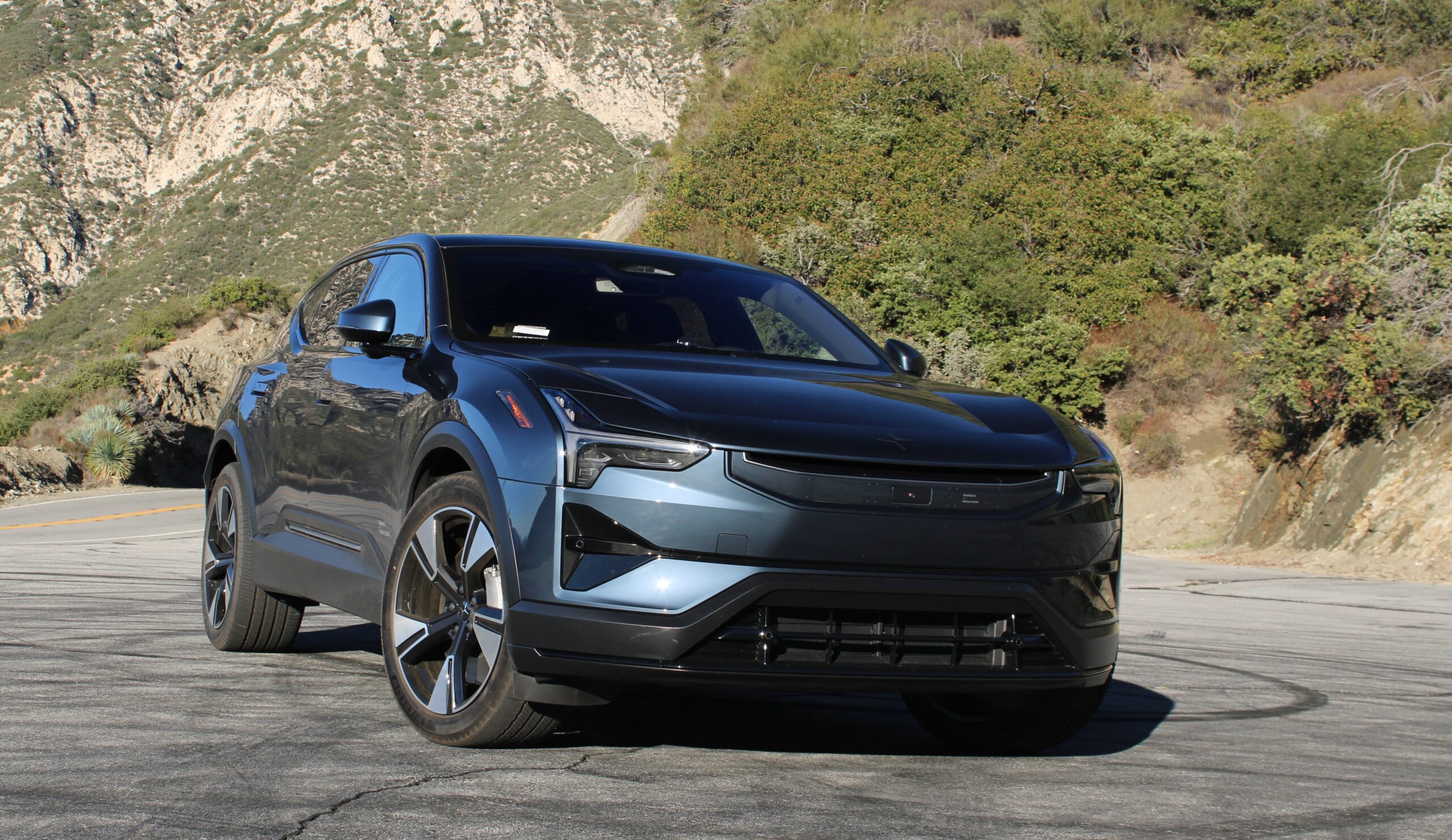
Volvo and Polestar were among the first to integrate Google Built-In across their lineup. From gas vehicles to models with varying levels of electrification, the Swedish siblings went all in. However, cars like our 2025 Polestar 3, a battery-electric vehicle, truly benefited from this. The ability to use Google Maps natively is a game-changer for us. This made long drives easier and more convenient. Yes, it meant logging into the car using your Google account like it’s another. No, it’s not that big of a deal, especially considering how much Google brings to the table.
So, what makes the Google Built-In system in our 2025 Polestar 3 so great? A lot of things. First, it’s easy to navigate. Everything you need is within reach, and most functions are only one tap away. Although some items are buried in submenus, these are the set-and-forget types. As a result, it’s totally understandable why they stuck them there. Having Google Maps right in your vehicle also adds an extra layer of convenience. Finding directions or locations you want to go to takes very little effort via the touchscreen or voice command. Additionally, real-time traffic data allows you to have the most up-to-date traffic info on your route. One complaint: it loves to give you way too many route options. While appreciated, sometimes it feels like overkill. Furthermore, some of those routes aren’t the quickest, so why show them?
On the more positive side, this interface benefits from Google’s constant software updates. Recently, we got the latest version of Google Maps. It also coincided with the recent introduction of Android 15, the new standard UI on most Volvo and Polestar vehicles. As a result, we got the latest map graphics update, just like in Google Maps on smartphones and Apple CarPlay.

2025 Polestar 3: New Software and Gemini
Android 15 brought a welcome improvement in software stability, improving overall functionality. Its arrival also coincided with our Polestar 3 receiving access to Gemini, Google’s AI platform. Together, the infotainment system became much easier to control via voice. Gemini quickly understood your requests and got you exactly what you wanted. However, asking too many questions can overwhelm it, causing the system to freeze or lag.
With that said, the latest over-the-air updates helped to stabilize the software in the Polestar 3. Yes, it still lags every so often. No, it’s not a mess anymore. Although small bugs pop up here and there, this is worlds better than when we first took delivery. Having Gemini around adds to the overall experience. It’s a great tool to use for tasks like making phone calls and finding destinations on Google Maps via voice. However, it quickly gets confused when other conversations are happening at the same time you ask for something.
Other than that, we remain fans of Google Built-In. It’s intuitive and easy to live with on a day-to-day basis. From Google Maps and its EV-specific functions to the added convenience of Gemini, it’s a great interface. Yes, you have to log in and share a lot of data with Google, but who doesn’t these days? We wish more cars had Google Built-In and Android Automotive OS, especially EVs.